How to Learn ASL Fingerspelling With a Webcam
You can learn ASL fingerspelling with a webcam by using a tool that reads your hand in real time and tells you whether your handshape matches the letter you were asked for. The camera finds 21 landmarks on your hand, and the software compares their positions against the target letter. This suits drilling the 26 alphabet handshapes, and a teacher is still the place to learn the language itself.
Try Sign School
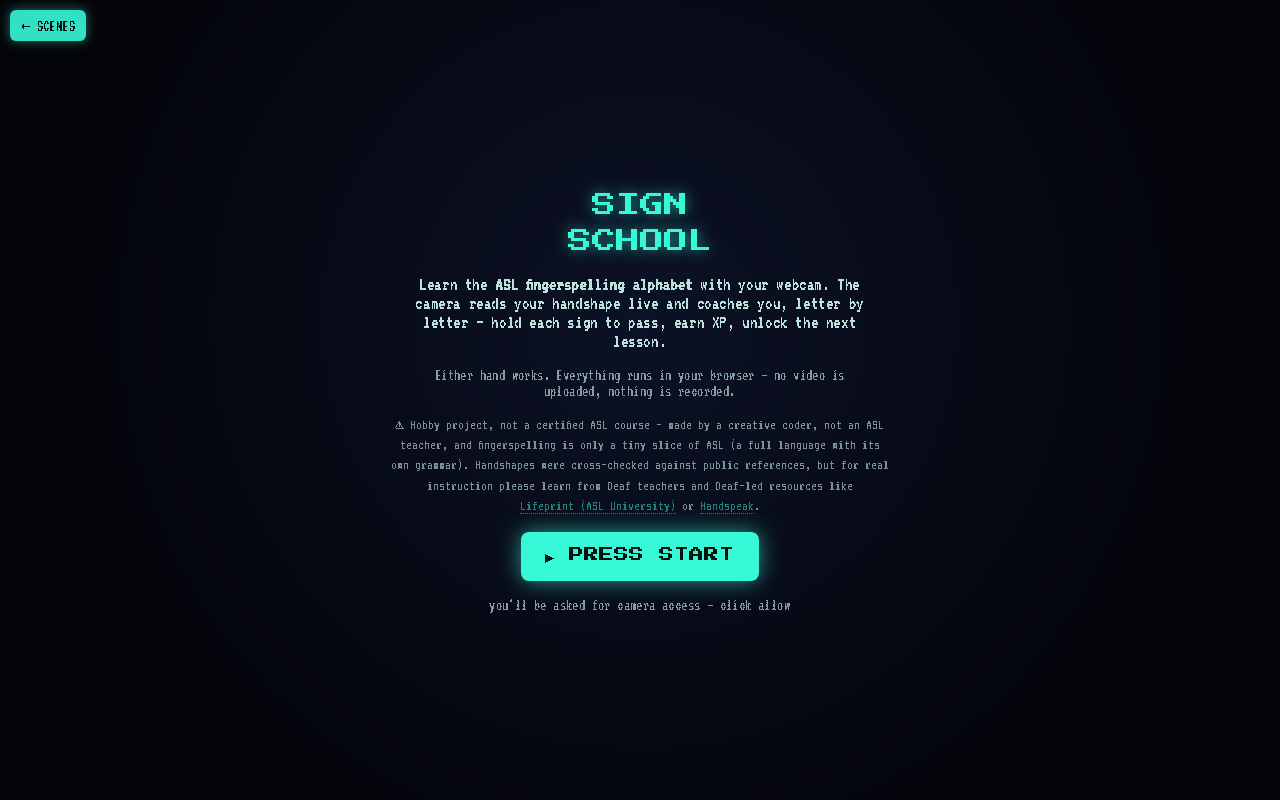 Open Sign School, free in your browser
What does a webcam actually see?
A webcam sees a flat picture, so the software first has to find your hand in it. Sign School uses MediaPipe Hands, which places 21 points on your hand: the wrist, the knuckles, and the joints and tips of each finger. From those points it can tell which fingers are straight, which are curled, and where your thumb is tucked.
That is enough to separate most letters. An A is a closed fist with the thumb alongside, while a B has four straight fingers with the thumb folded across the palm. The landmark positions differ clearly between the two.
How does Sign School check my signing?
It checks only the letter it asked for. Rather than guessing which of the 26 letters you might be making, it asks one question: does this handshape match the target? Several letters look alike (M, N and S are all fists with small differences), and a guess across the whole alphabet is where mistakes creep in.
Each lesson works like this:
- Press Start and allow camera access when the browser asks.
- Read the "Copy the sign" screen, which shows how to make the letter. A hint button is there if you get stuck.
- Make the handshape and hold it. Live tips appear while you adjust, for example straighten your index or tuck your thumb across.
- Keep holding until you pass, earn XP and move on to the next lesson.
Either hand works, so left-handed signers do not need to switch.
How do I sign J and Z with a camera?
J and Z are the two letters that move, and a still handshape cannot show them. You hold the starting handshape, then trace the letter in the air and watch an ink trail follow your hand on screen. The trail lets you see the path your hand actually took, which is often different from the one you pictured.
Expect a few attempts. Tracing a shape in mid-air is less precise than holding a pose.
How should I set up my camera and hand?
The page gives one main tip: sign with your palm facing the camera and your hand filling a good chunk of the frame. A small hand in a big frame gives the software less to work with, so move closer to the screen.
A few other habits help:
- Keep your hand clear of your face and other objects.
- Pause for a moment on each letter instead of flicking through them.
- Try the free practice mode to repeat the letters you find hard.
The settings offer assist, sound, check and debug options if the defaults do not suit you.
Is it private?
Everything runs in your browser. No video is uploaded and nothing is recorded. The page asks for camera access only when you press Start, and your progress is saved in your browser's local storage, so clearing site data clears your XP.
Where does Sign School fit, and where does it stop?
Sign School covers all 26 letters. Numbers and first words are listed as coming next, but they are not there yet.
This is a hobby project and not a certified ASL course, made by a creative coder and not an ASL teacher. Fingerspelling is a tiny slice of ASL, which is a full language with its own grammar, and a camera cannot teach that.
For real instruction, learn from Deaf teachers and Deaf-led resources. The Sign School page itself points to Lifeprint (ASL University) and Handspeak.
A sensible way to use the tool is as a warm-up and a feedback loop. Learn the letters from a proper source first, then use the webcam to check that your hand ends up where you think it does.
What will a webcam never tell me?
The software judges handshape. Whether your fingerspelling is smooth, whether your rhythm is readable to another person, and whether you are using it well in conversation are things it cannot judge. Those come from watching and signing with fluent signers.
The tool also reads a single hand against a single target. Real fingerspelling is a flowing sequence, where speed and clarity between letters matter as much as each individual shape.